Generate a real site from a plain-language brief in AI Studio, connect it to a workflow that replies to every new lead in minutes, then package the build and the follow-up as one offer for a local business.
A generated site, a connected form and an instant reply, built in one sub-account.
Prove
One answered lead
A real test submission gets a reply before you've had time to check your phone.
Sell
One recurring offer
Price the build and the follow-up as a single monthly service, then hand it off.
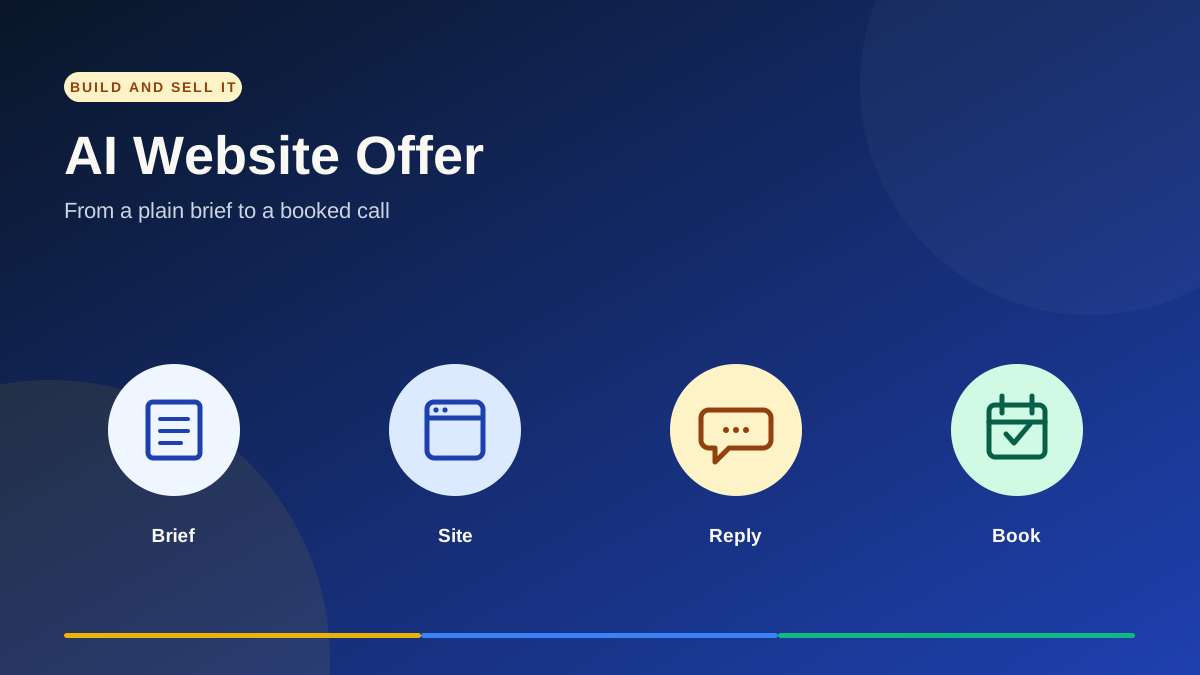
A simple delivery path: plain-language brief → published site → instant AI reply → booked call.
Before you start: use a test sub-account, and a real business brief if you have one, a clearly fictional example if you don't. Confirm AI Studio, Workflows and AI Agents are all visible before you promise any of this to a client, and check current AI usage and rebilling settings before you quote a price.
Implementation checklist
Build it, prove it, then sell it
Follow the build path on the left. It highlights the step you're on as you scroll and tracks how far through the guide you are.
01 · PLAN
Pick one niche and define what “done” looks like
Choose a local-service niche you can build for with confidence: plumbers, HVAC, med spas, roofers, whatever you already understand. A generated page is not the deliverable. The deliverable is a published site with a working lead form, connected to an automation that replies to a new lead in minutes, not days.
Pick one niche and one city or service area for the first build.
Decide what a visitor should do on the site: call, book, or fill a form.
Write the finish line before you open AI Studio: live site, connected form, tested reply.
What to verify: A generated page is not the deliverable. The deliverable is a published site plus a tested reply.
02 · PLAN
Confirm access to AI Studio, Workflows and AI Agents
Open the sub-account you'll build in and check that AI Studio, Automation → Workflows and AI Agents are all visible before you start. If a tab is missing, check the user's permissions and whether the feature is enabled for that sub-account.
Use a test sub-account first, not a live client account.
Confirm AI Studio is visible in the main navigation.
Confirm Workflows and AI Agents are both available in the same account.
What to verify: You can open all three tools in the same sub-account before you promise any of this to a client.
03 · PLAN
Write down the real business facts first
Before you prompt anything, write down the services, service area, hours, and anything the business will not do. AI Studio and the follow-up workflow will only be as accurate as what you give them. Use a fictional example if you're practicing without a client yet, and label it as fictional.
List services, service area, hours and any exclusions.
Note whether the business has set pricing yet or wants quotes handled by phone.
Mark every fact as confirmed or placeholder before you generate anything.
What to verify: Never let the AI invent a price, guarantee or promotion. Confirmed facts only.
04 · BUILD
Generate the site in AI Studio
Open AI Studio and describe the business and the page's job in plain language: who it's for, what it offers, and what a visitor should do. AI Studio builds a working page from that brief, and you can keep refining it in the same conversation.
Open AI Studio and start a new project.
Describe the business, its services and the one action you want (call, book, or fill a form).
Ask for another pass on anything that reads generic, then review the result.
What to verify: Treat the first draft as a starting point. Review every claim before it's visible to anyone.
05 · BUILD
Check the generated copy against the real facts
Read the generated page against the list from step 3. Remove anything invented: fake testimonials, reviews, certifications, service areas, or pricing the business never confirmed.
Compare every claim, number and service against your confirmed list.
Remove invented testimonials, reviews or credentials.
Fix the call to action so it matches what you decided in step 1.
What to verify: A generated testimonial or made-up certification is a liability, not a detail.
06 · BUILD
Connect the site's form to a pipeline
AI Studio can generate the form itself, then guide you through connecting it to a real form in this sub-account. Point that form at a pipeline and stage made for this offer, not just a notification email.
Connect the generated form to a form or survey in this sub-account.
Point submissions at a pipeline and stage made for this offer.
Submit one throwaway entry and confirm it lands as a contact.
What to verify: A form that only emails you is not a pipeline. Confirm the contact and opportunity actually get created.
07 · BUILD
Build the instant-reply workflow with Ask AI
Open Automation → Workflows and use Ask AI to describe the follow-up you want: when a lead fills out this form, reply within minutes by text or chat, answer the obvious questions, and offer a time to talk. Ask AI drafts the trigger and actions; open the draft in the Workflow Builder to review and adjust before publishing.
Open Workflows and start from Ask AI.
Describe the trigger (the form from step 6) and the reply you want.
Open the draft in the Workflow Builder to check and adjust each step.
What to verify: A draft from Ask AI is a starting point. Publish only after you've read every action.
08 · BUILD
Scope the agent's replies to real information only
If the workflow hands off to an AI Agent for back-and-forth conversation, attach it to a knowledge base built from the facts in step 3. Ask it the five questions a real lead would ask and confirm the answers are accurate before it ever reaches someone.
Attach a knowledge base with confirmed services, hours and pricing.
Ask the agent the questions a lead is most likely to ask.
Correct any wrong answer at the source, then ask again.
What to verify: An answer that sounds confident is not the same as an answer that's correct.
09 · PROVE
Send a real test lead through the whole path
Submit the live site's form yourself. Time how long the reply takes, check it came through the right channel, and confirm it actually answers what a lead would ask.
Submit the live form with a real test name and number.
Time the reply and note which channel it used.
Confirm the contact and opportunity updated in the CRM.
What to verify: “It's scheduled” or “it's sent” in a log is not the test. The message has to actually arrive.
10 · PROVE
Record what the test actually proved
Save screenshots of the published site, the test submission and the reply, with a timestamp. This is the proof you'll use to sell this against a business whose site has no instant reply at all.
Capture the live site, the test submission and the reply.
Note the reply time next to a plain comparison: a form that waits for someone to check email.
Keep this proof current. Redo it before you pitch if more than a few weeks have passed.
What to verify: A screenshot without a timestamp doesn't prove speed.
11 · PROVE
Find businesses that are missing this
Search the niche and service area the way a customer would. Look at the businesses that show up: whose site is outdated, whose form has no instant reply, whose booking happens by phone tag days later. That gap is the pitch.
Search the niche and city the way a lead would search.
Note which businesses have no site, an old site, or no visible way to book.
Save the list. This becomes your outreach order.
What to verify: You're not pitching “a website.” You're pitching the speed gap between their current setup and yours.
12 · SELL
Turn the build into a reusable snapshot
Once one niche build is tested and working, save it as a snapshot so the next prospect in the same niche starts from a working system, not a blank account.
Build the snapshot from a clean, tested sub-account, not a live client account.
Include the site, the form, the pipeline, the workflow and any knowledge base.
Load it into a blank test sub-account and repeat the step 9 test before reusing it.
What to verify: A snapshot copies configuration, not live connections or client data. Recheck channels and the knowledge base in every new account.
13 · SELL
Price the recurring offer and hand it off
Price the build and the monthly follow-up as one offer, not two. Check current AI usage and rebilling settings before you quote, and define who approves changes after launch.
Separate a one-time build fee from a monthly fee that covers hosting, monitoring and AI usage.
Check the account's current AI usage and rebilling settings before quoting.
Define who approves changes to the site or the agent's replies after launch.
What to verify: A monthly fee needs a recurring deliverable you can point to. A one-time build does not justify one.
Launch standard
A successful build leaves proof.
The proof isn't a generated page or a workflow that says it published. It's a live site a stranger can visit, a form that creates a real contact, and a reply that actually lands within minutes. Check the destination, not just the message that says it worked.
Before charging monthly
✓ Agreed one-time and monthly deliverables
✓ Verified reply channel
✓ Tested end-to-end lead
✓ AI usage and billing reviewed
✓ Snapshot tested in a blank account
Sources
Check the current details
Reviewed October 21, 2026. Check the official HighLevel documentation and your account settings for current labels, permissions and billing.
Check allowances and billing before quoting a price.
Copy and paste
Two prompts for Lonestar Plumbing Co.
Each step includes a short prompt in plain words and a more detailed version. Copy either one to generate the site and build the follow-up workflow. Lonestar Plumbing Co. and its offer are fictional training examples. Replace every placeholder and get real approval before using any of this on an actual business.
01 · Generate the site
Build Lonestar Plumbing Co.'s site in AI Studio
Your short prompt
I want you to build me a real website for a fictional plumbing company called Lonestar Plumbing Co. in Round Rock, Texas. They do emergency repairs, water heater installs, and drain cleaning. I want the site to feel trustworthy and fast, and I want the main thing someone does on the page to be filling out a quick form to get a callback, not just reading about the company.
Expanded prompt
Build a working website in AI Studio for a fictional training business named Lonestar Plumbing Co., a residential plumber in Round Rock, Texas. This is training material, not a real company. Lonestar handles emergency repairs, water heater installation and drain cleaning, and serves homeowners within a 20-mile radius of Round Rock.

The homepage's main goal is a completed callback-request form, not just information. Include a short trust section (years in business, licensed and insured, service area), a simple services list for the three services above, and one clear form asking for name, phone, service needed and a short description of the problem. Do not add fabricated reviews, star ratings, certifications, specific pricing or guarantees. Where a real detail would normally appear, such as a license number, phone number or hours, leave an explicit placeholder like [license number] or [phone].

Keep the page focused: one primary call to action repeated at the top and bottom, not three competing buttons. After you generate the page, connect the form to a form or survey in this sub-account so submissions create a contact. Tell me what you built, what's still a placeholder, and what I need to connect by hand.
02 · Build the instant reply
Reply to every new lead within minutes
Your short prompt
I want a workflow that uses AI to answer someone right after they fill out that plumbing contact form. It should go out within a couple minutes by text, say thanks, confirm what they asked for, and ask the best time to call them back. If it's an emergency, it should say something different and tell them to call the main line directly.
Expanded prompt
Using Ask AI in Workflows, build a workflow for this sub-account named "Lonestar Plumbing Co. | Instant Lead Reply." The trigger is a form submission on the callback-request form built in AI Studio for Lonestar Plumbing Co., a fictional training business.

Within two minutes of a submission, send an SMS that thanks the lead by name, confirms the service they selected (emergency repair, water heater install or drain cleaning), and asks for the best time for a callback. If the service selected is an emergency repair, send a different message instead that tells them to call [phone] directly rather than waiting on a text reply. Use only the service names and placeholders from the Lonestar knowledge base. Do not invent a price, same-day guarantee or discount.

If an AI Agent is available to continue the conversation, hand off replies to it once the first message is sent, scoped to the approved knowledge base only. Add a step that updates the contact's pipeline stage to "New lead, replied" once the message sends successfully.

Show me the full workflow (trigger, conditions, actions) before publishing, then tell me exactly how to run a real test: which form to submit, what number to watch for a reply, and what the pipeline should show afterward.